
trying to change Cyton channel - Program flash failed [resolved]
 Edw_gabriel
Buenos Aires Argentina
Edw_gabriel
Buenos Aires Argentina
Good evening, I have done the step by step indicated in https://docs.openbci.com/docs/02Cyton/CytonProgram#install-chipkit-core-firmware
. When I loaded the arduino program, it failed as it appears in the link image. The problem is that I have done this step about 10 times, and now the Cyton board does not respond, does not turn on. Nor is it recognized from the GUI.
I am using Windows 10. I used the Android version 1.8.9 to load the DefaultBoard.
What I can do?
My goal is to update the communication channel of my dongle-cyton, because we have two in the work group, and communications intersect. I tried to upload the DefaultBoard first as my first test, but it failed.
How can I reset the board?
Attachment .log and screenshoot.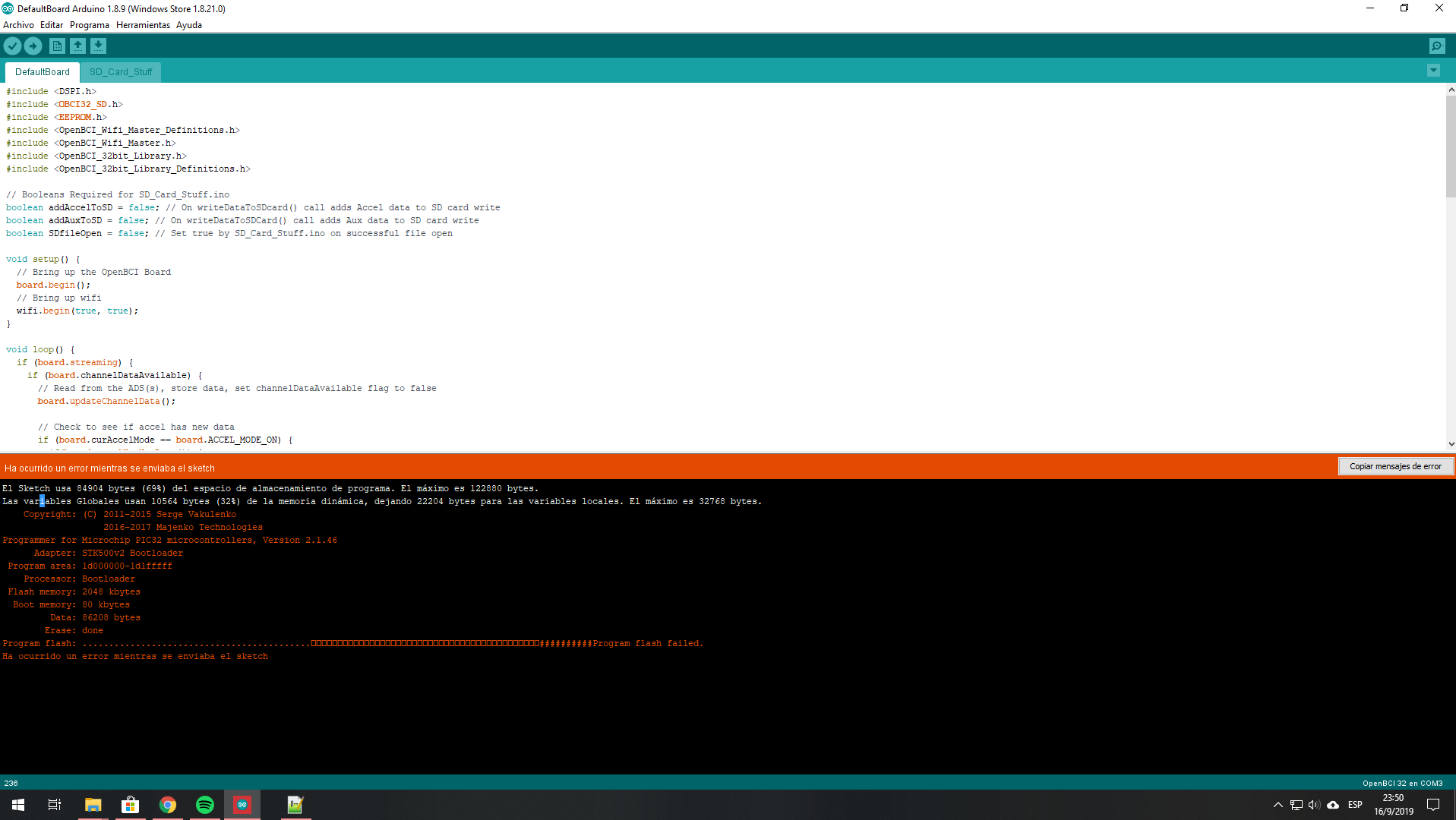
Regards and thank you very much
Comments
Gabriel, hi.
When did you purchase your two Cytons? What firmware level are they, as reported by the GUI? Let's name the Cyton's as #1 and #2; and you are trying to upgrade #1. Have you shut down the #2 Cyton and it's dongle when doing the upgrade?
You say, "...My goal is to update the communication channel of my dongle-cyton, because we have two in the work group, and communications intersect. ..." But the channel change to separate the two Cyton's can be done from the GUI. Why do you need to change the firmware?
Regards, William
Goodnight! Thank you very much for the quick answer.
I tried updating the channels from the GUI but it didn't work. Then they recommended me by e-mail (a few months ago) to do the following:
"You can change the channel by re-programming the dongle radio:
http://docs.openbci.com/Hardware/06-Cyton_Radios_Programming_Tutorial#cyton-radios-programming-tutorial-uploading-host-firmware-to-the-openbci-dongle
and by re-programming the cyton radio:
http://docs.openbci.com/Hardware/06-Cyton_Radios_Programming_Tutorial#cyton-radios-programming-tutorial-uploading-device-firmware-to-cyton-board-upload-device-radio-firmware-version-2xx-fall- 2016
Since both devices are on channel 20, they are picking up each other's signals.
Changing the channel should solve the issue. "
Sincerely at that time we did not perform the test. But now that we need to use both cyton plates at the same time, we got back to the problem.
I just got back from work, I followed the step by step that he does on Monday, he still gives me the same mistake. I try to turn on the board, and no lights come on.
How can i get it back?
Thank you!
OK! I tried many but many times, in a moment the load went well, I am more than happy. We are going back to try to change the channel from the latest version of GUI to see if we succeed in not crossing communications.
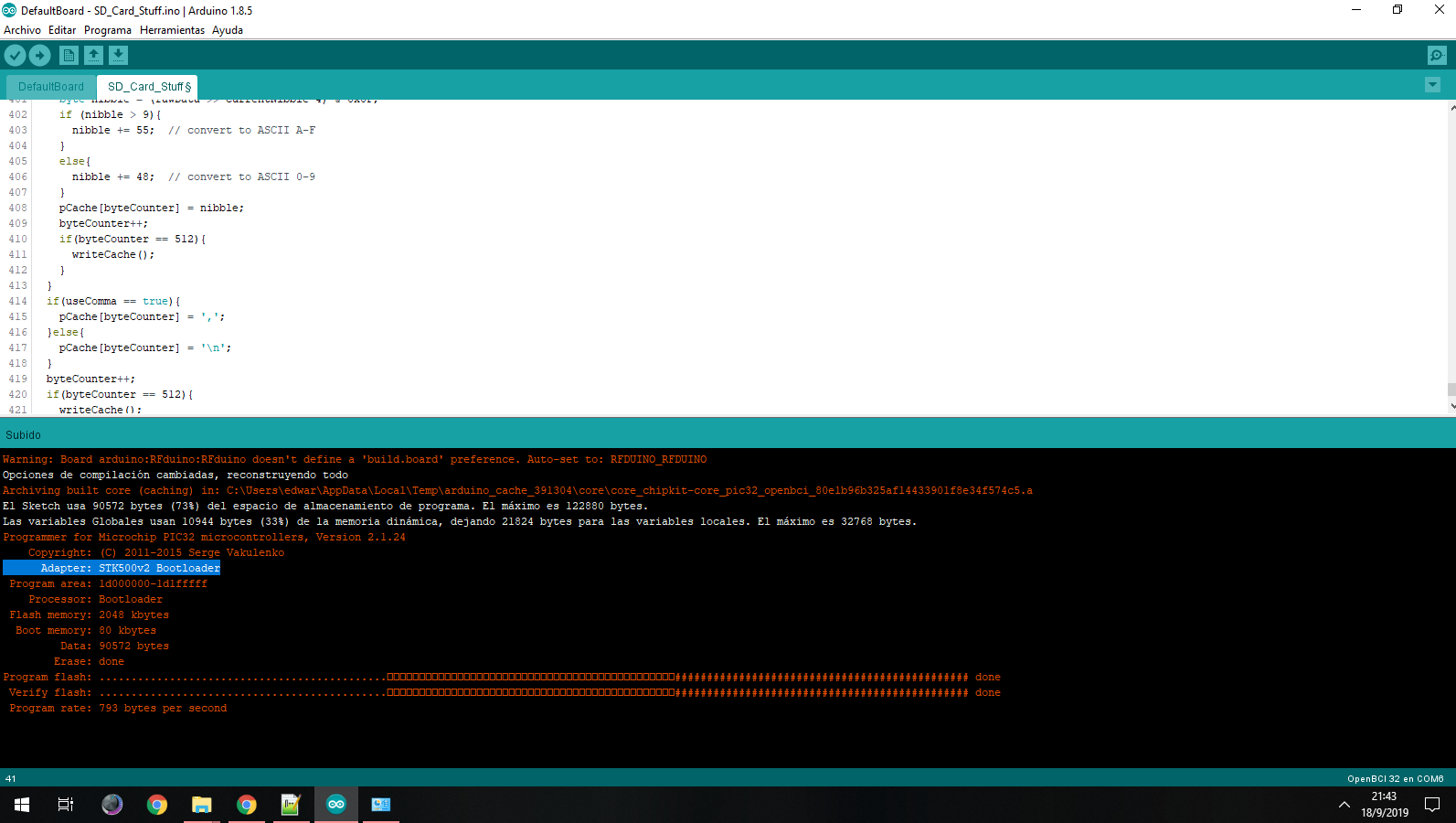
"When did you purchase your two Cytons? What firmware level are they, as reported by the GUI?"
The reason I ask is to ensure that you do not have old RFduino firmware. The new firmware can do the channel changes from the GUI.
Hello! Good evening, excuse my delay in answering. I was with a lot of work. According to the GUI, the version is v3.1.1.
Was 3.1.1 the ORIGINAL firmware, before you reflashed it? Asking for the third time, ""When did you purchase your two Cytons?"
We are just trying to confirm your RFduinos match the 3.1.1 firmware. This page shows the Autoscan and channel change,
https://docs.openbci.com/docs/01GettingStarted/01-Boards/CytonGS#5-optional-settings
Thank you very much for the information! I confirm that we look at the other board and the firmware version is v3.1.1. We tried to change the channel with the latest version of SW GUI and it worked. When we had tried the previous version of GUI, the channel change was not accepted. I attached some images that were documented of that time. But beware, now it worked!
I have another problem, but maybe it is better to open a new thread. When I have the Dongle connected to the notebook and I am using a mouse over bluetooth, sometimes the mouse pointer goes crazy moving around the screen, which is very annoying. The mouse is solved offline, closing the GUI, then I connect the mouse and we start the GUI again.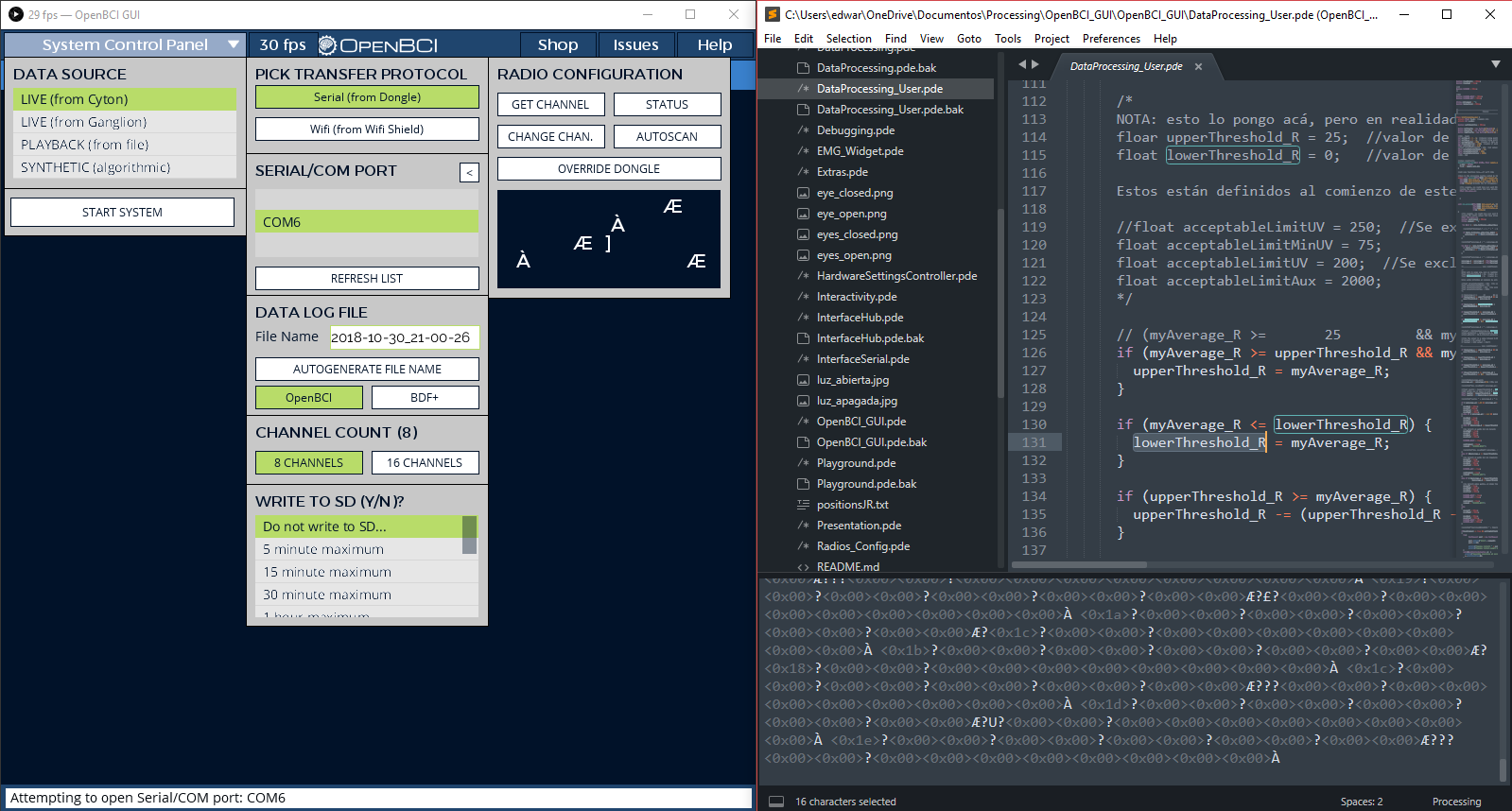
Have you tried using a wired mouse instead of Bluetooth mouse? Since the mouse is so close to the dongle, they may interfere. Another option would be to put your dongle on a USB extension cord, several feet away from the laptop and mouse. And closer to your Cyton. Finally changing the channel to other settings might avoid the mouse interference.
Normal Bluetooth devices use an entire range of channel numbers. The dongle and Cyton just use a single channel number.
Hello! Thank you very much for the quick answer. We tested with a wired mouse and it works ok. No problem. Thanks again for your help!