
noise on channel 11 with Cyton

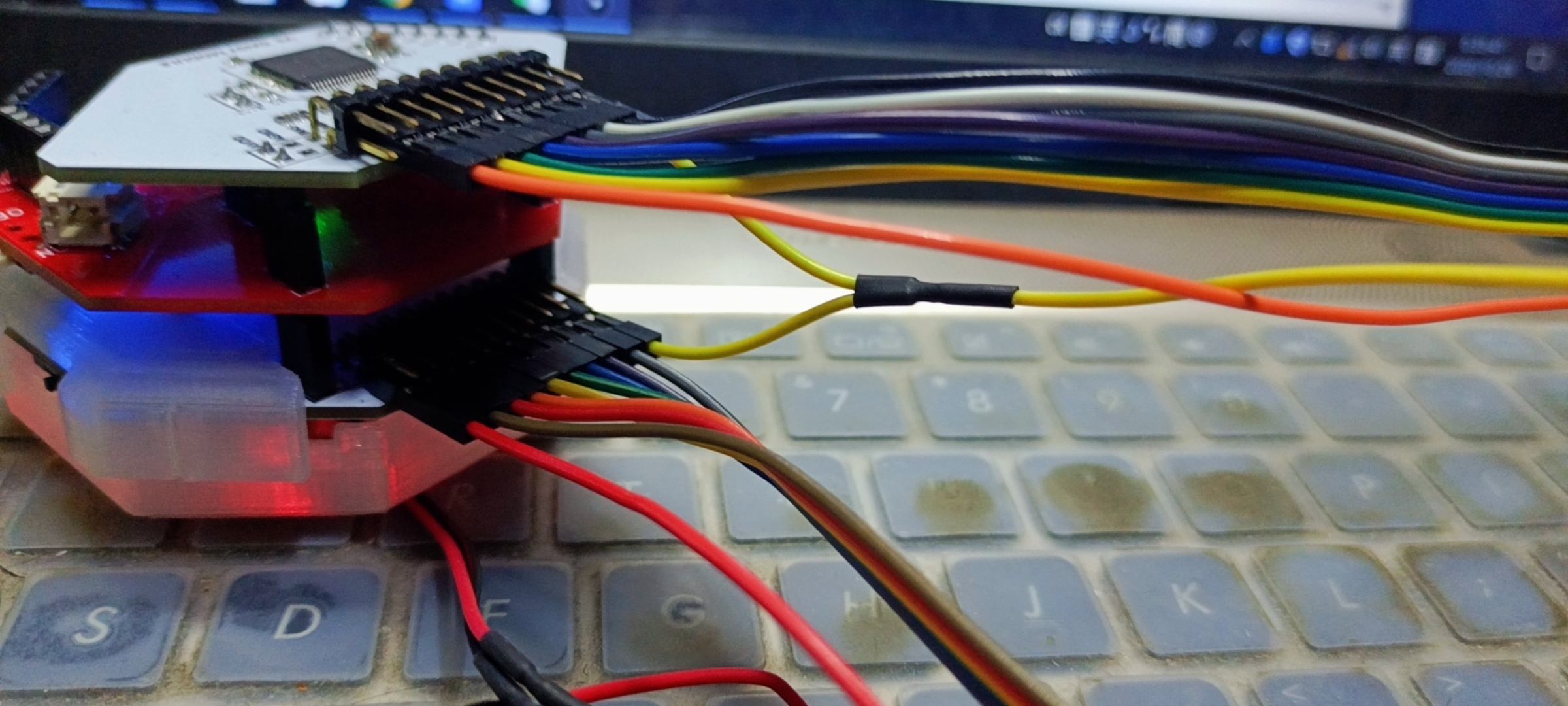
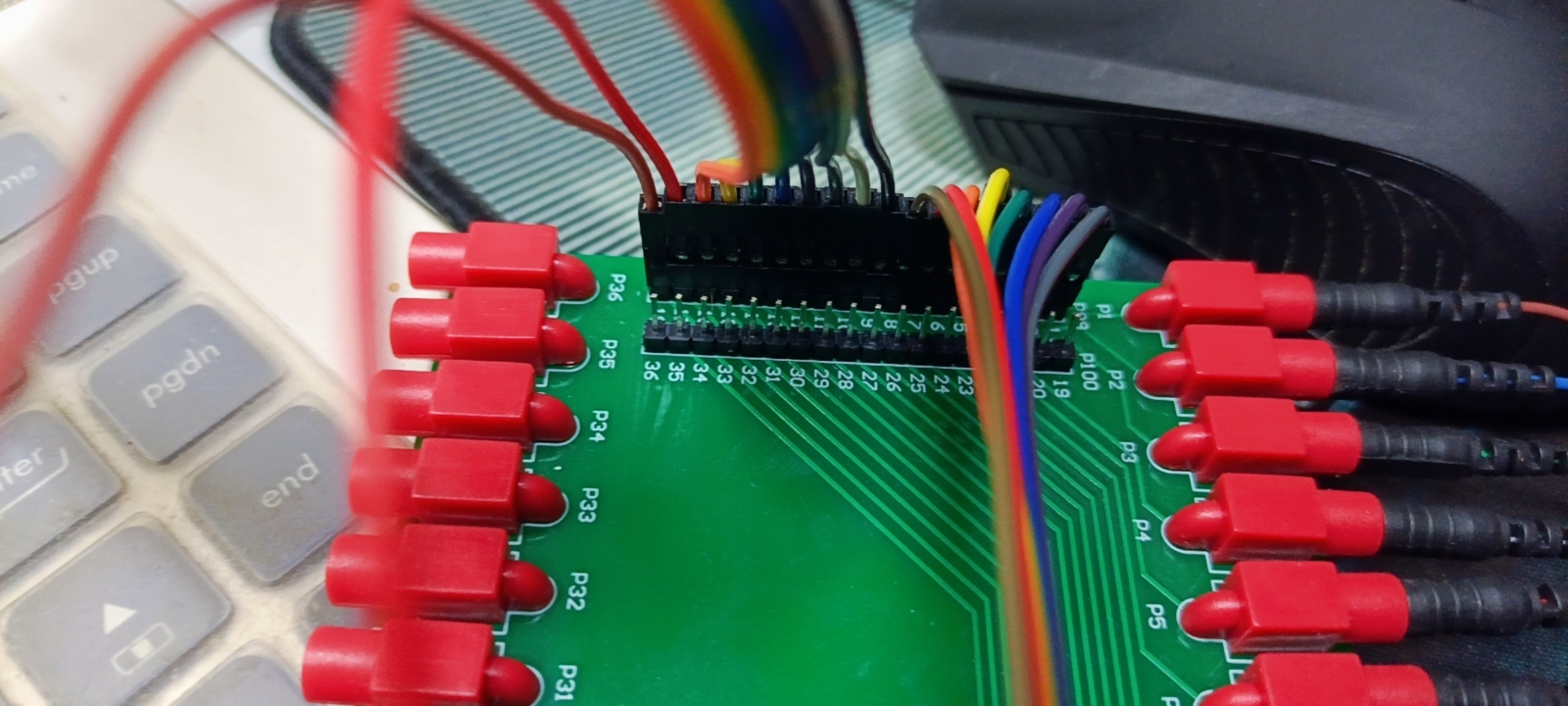
The device is OpenBCI Cyton with 16 channels. When each channel doesn't connected to Dupont wire, the noise is normal as shown except channel 11( channel 11 is the channel which connected to Dupont wire).
Does anyone who knows what's going on? Any advice could be helpful! Thank you!!!
Comments
Hi Guliang,
Free floating channels not connected to scalp, will have unpredictable behavior. In your case many channels are showing a couple microvolts of mains noise.
Looking more closely at your Daisy board, I see that it is MISSING, the OpenBCI logo on the top surface. This generally means that the Cyton mainboard and Daisy board are NOT manufactured and quality controlled by OpenBCI. So your channel 11 noise could be some issue with faulty equipment.
William
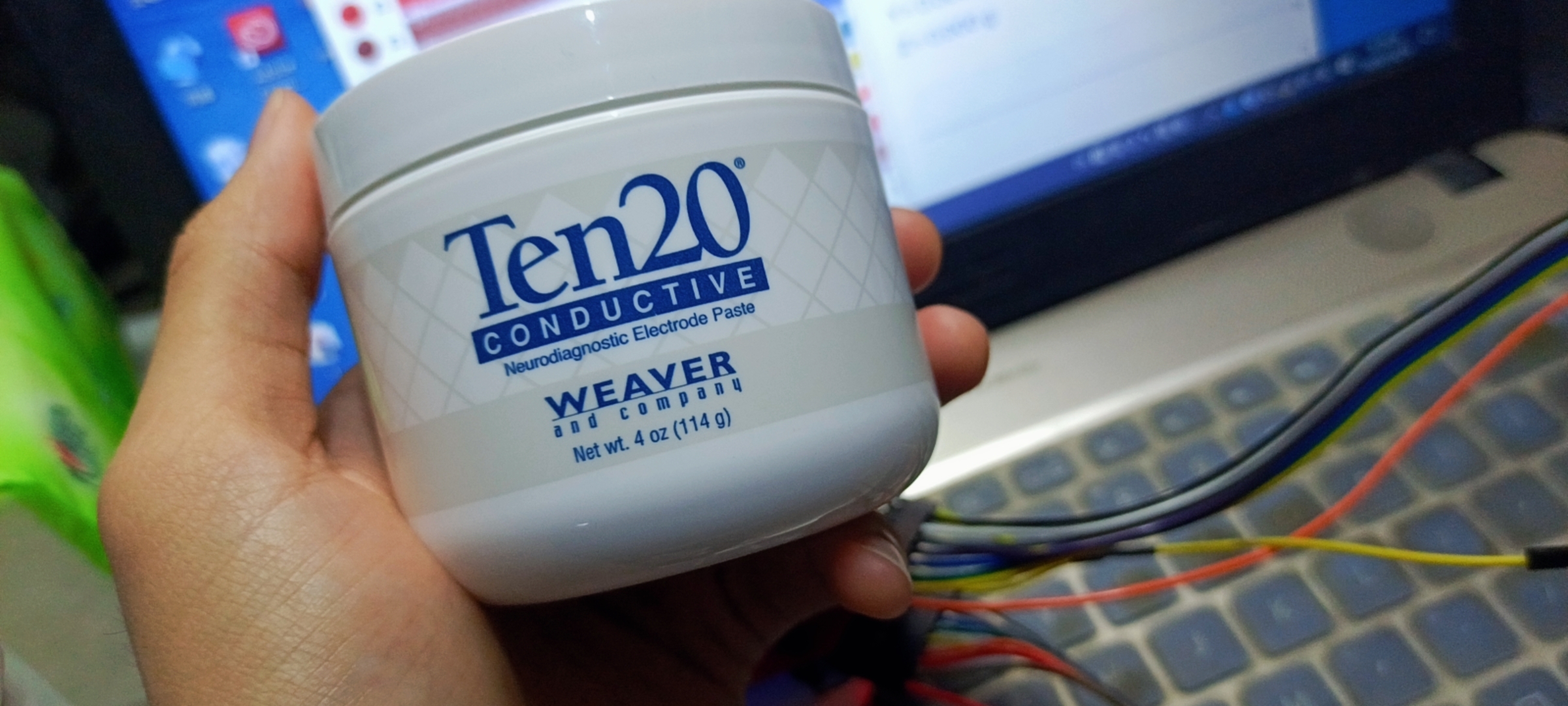
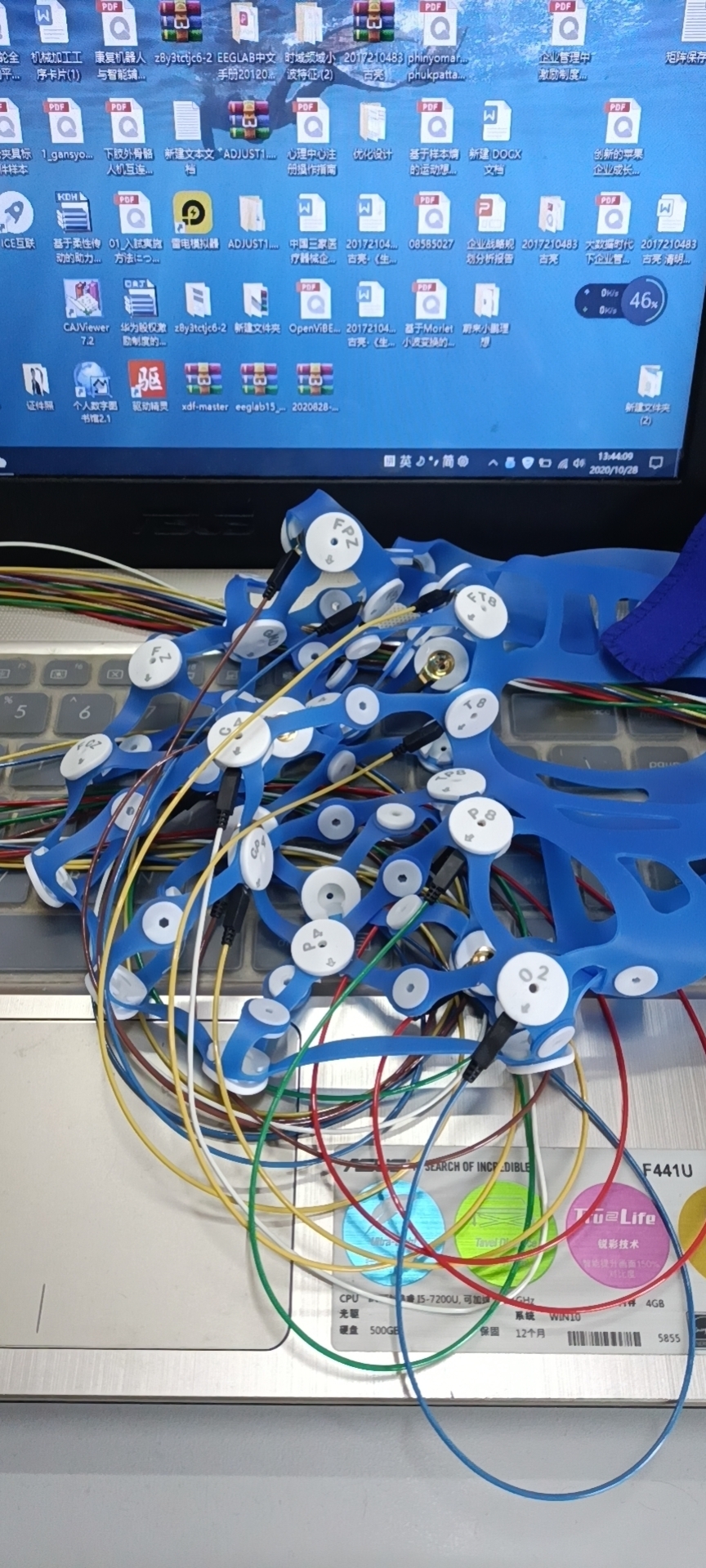
To isolate this further, please try running all the Cyton tutorials, first with 8 channels only, then add Daisy. Compare your results with those shown. You did not state in your first post where the electrode was located, where was the reference and Bias/Ground, etc.
https://docs.openbci.com/docs/01GettingStarted/01-Boards/CytonGS
Please try the tutorials mentioned, so we can determine if your channel 11 noise is the result of faulty EEG connections to the head: channel, reference, Bias. You can use the impedance check function of the GUI, by pressing the 'ohm' symbols. The higher the impedance, the more susceptible to noise. The particular channel 11 noise looks like some type of EMF electromagnetic field interference to me. This can come from nearby equipment, power supplies, etc.
Thank you, William
I have send the board back to the vendor and asked them to make some test to make sure there is no other problems, when I received it, I will follow what you told me to do. And then I will give my feedback.
Thanks a lot again!
sincerely
Gu Liang